Event Calendar.
Professional.
In Minutes.
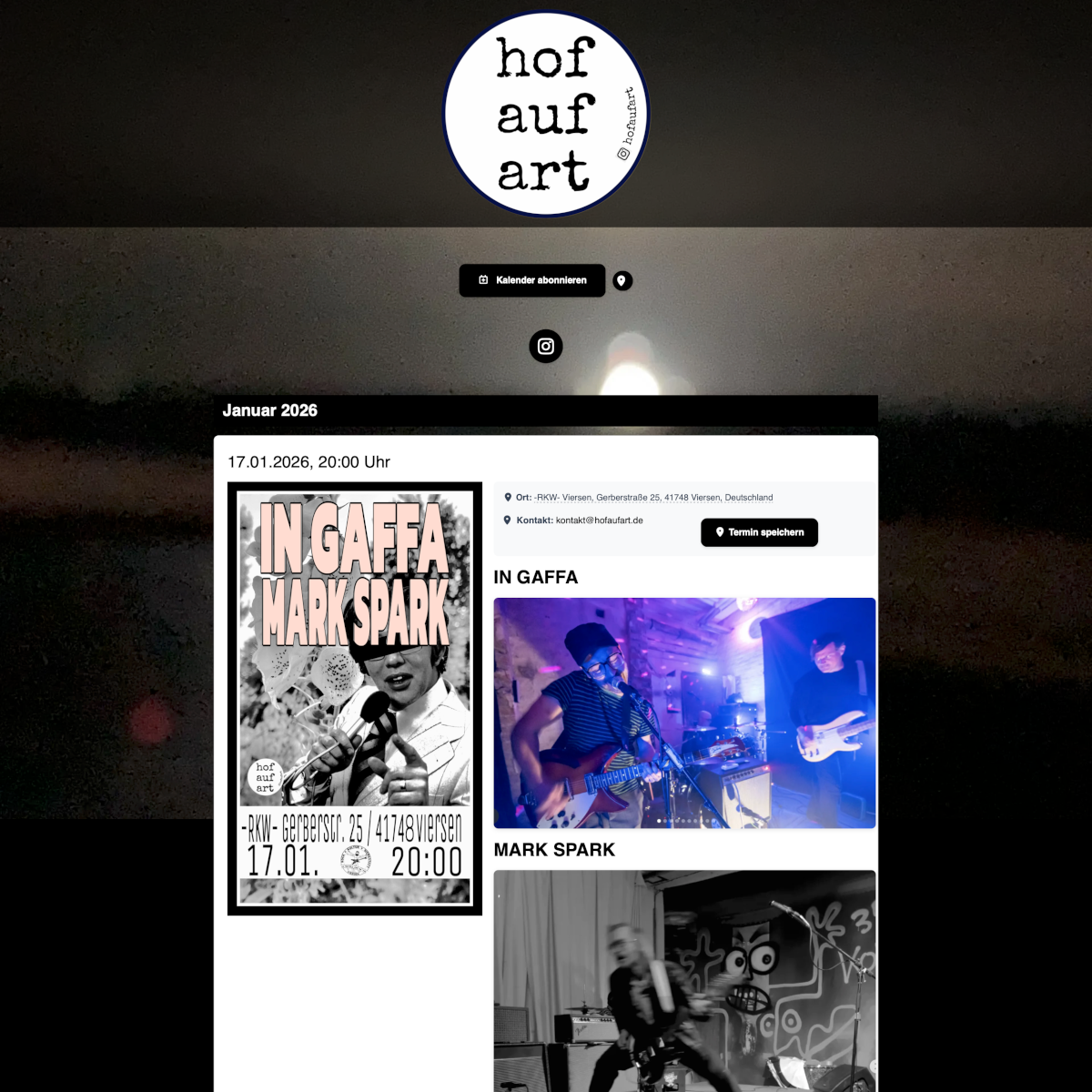
Import your ICS calendar and turn it into a beautiful one-pager. No code, no database, no complexity.
Everything you need
Powerful features for professional event calendars
ICS Import
Connect calendars from Google, Apple, Outlook or any other ICS source. Changes appear automatically.
Design Customization
Colors, fonts, layouts – everything customizable. From pre-made themes to custom CSS.
Responsive Design
Perfect display on all devices. Mobile-First design for best user experience.
Automatically on every device
Your fans and customers always have your dates with them
One click on "Subscribe" — and all new events automatically appear in the calendar of your fans, customers, or members. No app download, no account, no hassle.
- Works with Apple Calendar, Google Calendar & Outlook
- New events appear automatically on their phone
- One subscription link — no credit card, no login required
Apple
iPhone · iPad · Mac
Android · Web
Outlook
Windows · Web
Easy to use
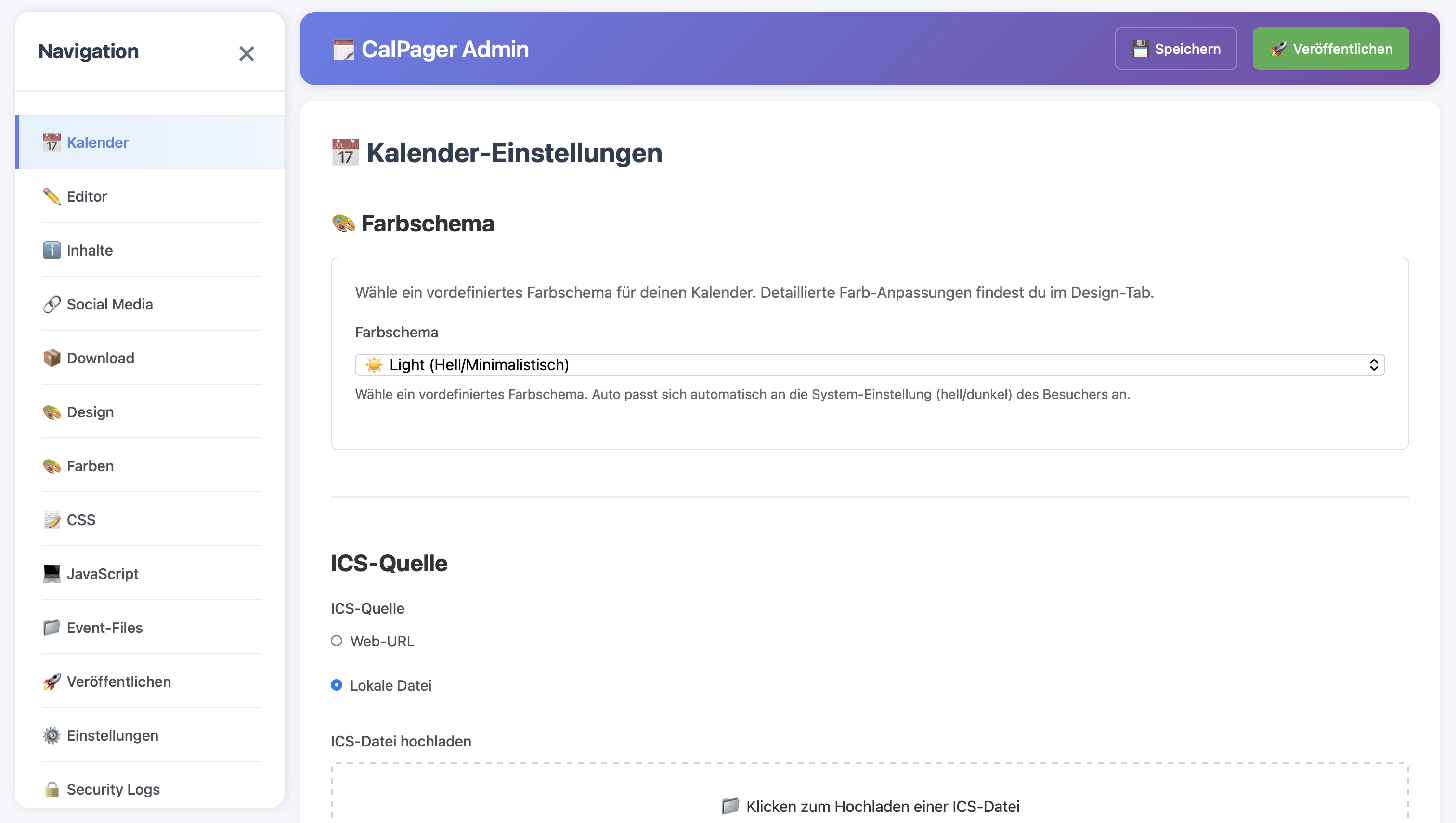
Intuitive admin panel and beautiful frontend. All settings in clearly structured tabs – Calendar, Content, Design and more.
- No technical knowledge required
- Ready in minutes
- Automatic updates and backups
The right package for everyone
From free to unlimited – start now with CalPager
Free
Perfect for getting started – your first event calendar, free and without time limit.
Forever
- Calendar
- Editor
- Help
Basic
More creative freedom – custom logo, background image and individual color schemes.
/month
- Calendar
- Editor
- Content
- Design
- Social Links
- Files
- Settings
- Help
Professional
/month
- Calendar
- Editor
- Content
- Design
- Social Links
- Download
- Files
- JavaScript
- Settings
- Help
Ready to publish your event calendar?
Start for free. Add additional calendars or choose plans with more features anytime from your dashboard.
Start for Free